Choose a beat
Move through the available instrumentals until the rhythm fits the idea.
Rap Studio app
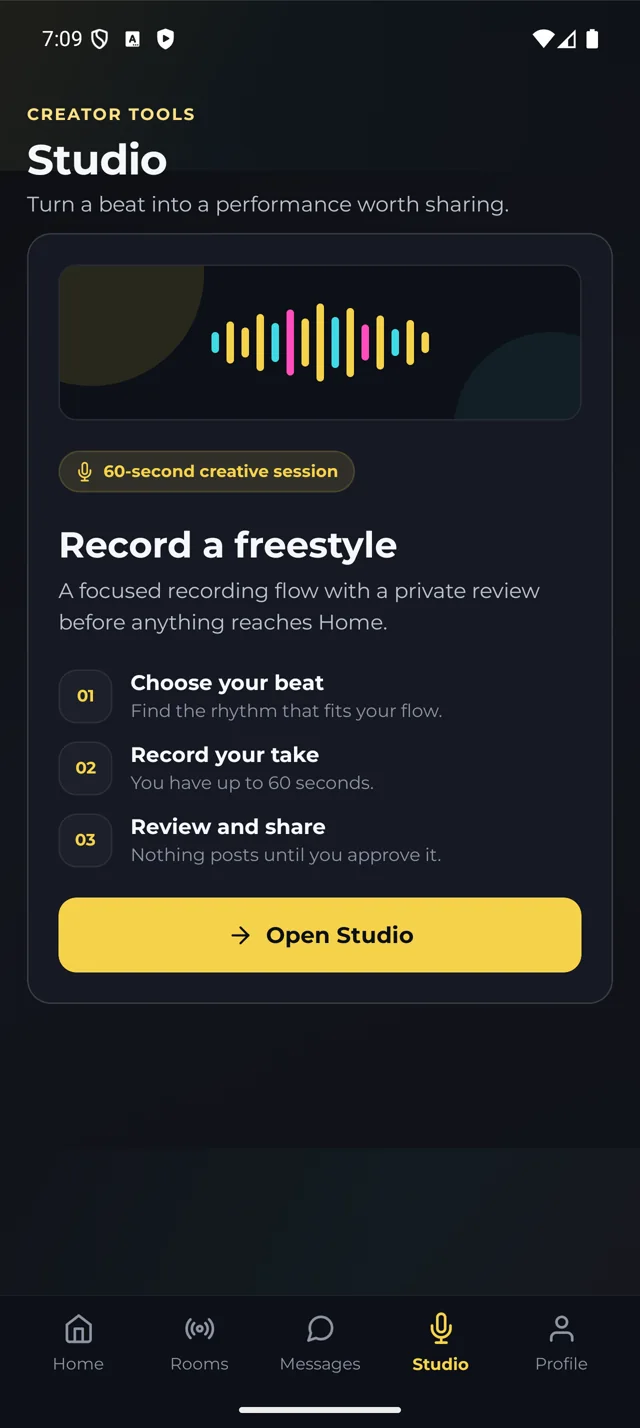
Watch marieewitit take the mic, then bring your own bars. Pick a beat, record up to 60 seconds, and review privately before submitting.
Free download on iPhone and Android. Optional Premium features available.
The Studio flow
Recording and submitting are separate decisions. A rough first take never has to become a public post.
Move through the available instrumentals until the rhythm fits the idea.
Use the Studio setup to prepare the take before the countdown starts.
Capture one focused freestyle performance over the selected beat.
Listen back privately, retry if needed, or submit your take for review.
Made for the moment
Studio is for the freestyle you want to capture now—not an all-night session assembling dozens of tracks.
Control before sharing
Playback is private. You decide whether to retry or submit. Approved submissions can appear on Home after review.
Focused by design
Large music-making apps specialize in multitrack production, vocal effects, mixing, and mastering. Trilla Studio has a different job: help a rapper capture one performance quickly, make a clean share-or-retry decision, and bring it back to the community.
That narrower promise keeps the workflow honest. Trilla does not claim to replace a professional recording setup or a full digital audio workstation.
Studio FAQ
No. Listen back privately and decide whether to submit. Studio submissions are reviewed before approved performances can appear on Home.
Yes. Discard the version you do not want and record another take before submitting.
No. It is a focused freestyle capture, review, and sharing flow—not a multitrack production or mastering suite.
Headphones are recommended for cleaner audio and less bleed between the beat and your microphone.
Find your flow first
Our free browser practice tool gives you six free instrumental beats and a fresh word every 10 seconds. Keep a story moving, try a new rhyme, and carry that energy into Studio.
Try the freestyle warm-up →Open Studio
Download Trilla for free, choose a beat, and record whenever the line arrives.
Keep the cypher going
Find real Trilla performers and freestyle challenges on our socials. Want to take part? Record in Studio and submit for review. Tag @trilla_app when you share a clip; we’ll ask before featuring it on our socials.